Building a resizable split-pane from scratch
A deep dive into creating a performant, resizable split-pane component using modern React and CSS.
Overview
Most UI libraries give you modals, drawers, dropdowns, toasts. But ask for a resizable split-pane and you're usually on your own. It's one of those components that looks simple but gets skipped because the drag behaviour is fiddly to get right.
Turns out it doesn't need a library. A couple of pointer event listeners, some clamped percentage math, and a localStorage call is genuinely all it takes. Here's how I built mine.
What we're building
A horizontal split-pane where:
- The divider is draggable with mouse and touch
- Neither pane can collapse below a minimum width
- The split position persists across page reloads via
localStorage - It accepts any React content in each pane
No canvas, no SVG, no third-party package. Just a div, pointer events, and a bit of math.
The core idea
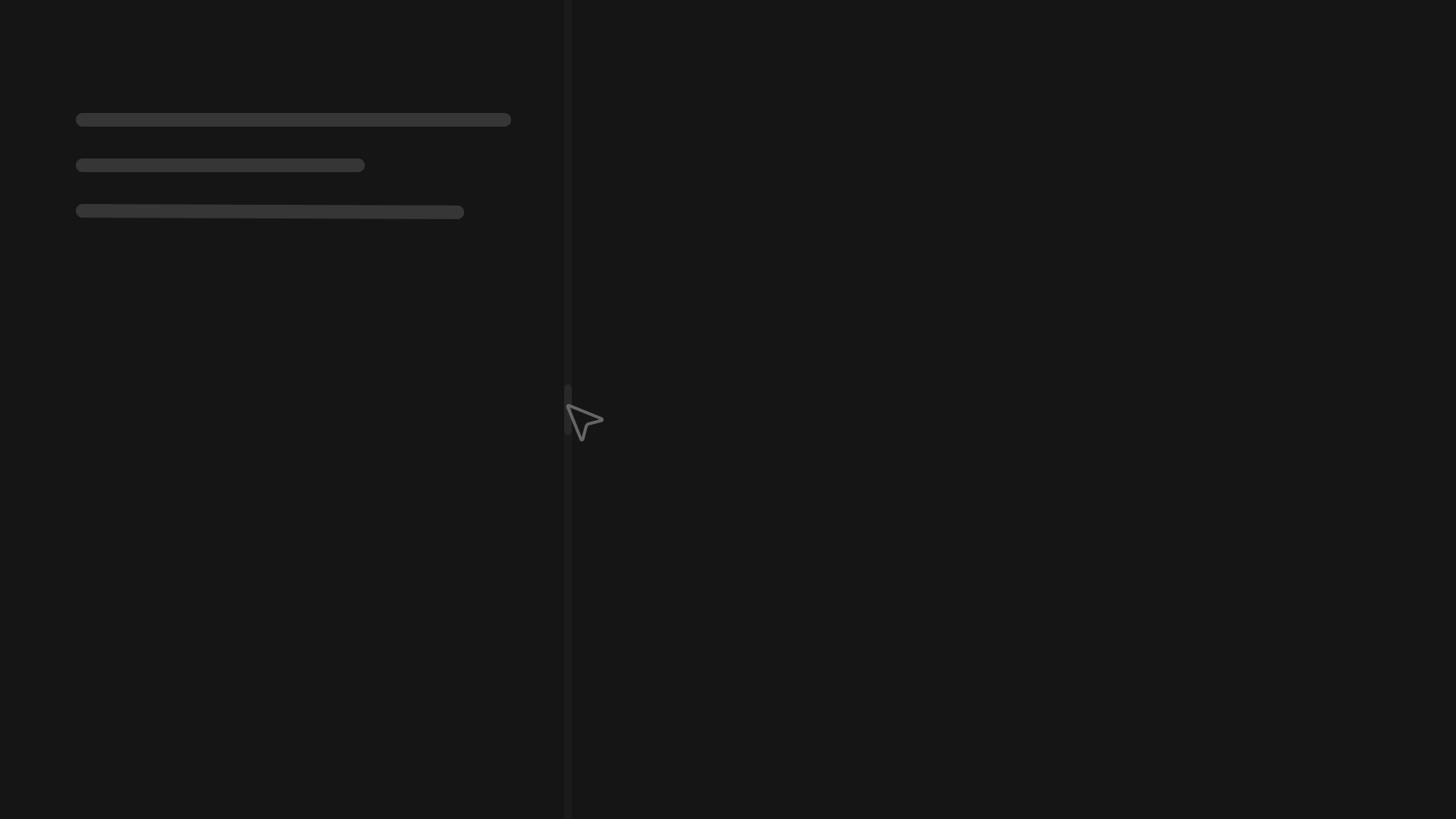
The layout is a flex row with three children: pane A, a divider, and pane B. Pane A has a flex-basis that we update on drag. Pane B has flex: 1 and fills whatever space is left.
[   pane A   ] [divider] [     pane B      ]
  flex-basis: 35%               flex: 1
As the user drags, we convert the pointer position into a percentage of the container width and write it straight to paneA.style.flexBasis. No state updates, no re-renders. Just a direct DOM write, which keeps it smooth even on slower machines.
Left Pane
Right Pane
Drag the divider to resize these panels.
Double-click it to reset.
The hook
All the logic lives in useSplitPane. The component just wires it up.
import { useRef, useCallback, useEffect } from 'react'

interface UseSplitPaneOptions {
  storageKey?: string
  min?: number
  max?: number
  initial?: number
  direction?: 'horizontal' | 'vertical'
}

export function useSplitPane({
  storageKey = 'split-pane',
  min = 20,
  max = 80,
  initial = 50,
  direction = 'horizontal',
}: UseSplitPaneOptions = {}) {
  const containerRef = useRef<HTMLDivElement>(null)
  const paneARef = useRef<HTMLDivElement>(null)
  const dragging = useRef(false)

  useEffect(() => {
    if (!paneARef.current) return
    const saved = localStorage.getItem(storageKey)
    const startPct = saved ? parseFloat(saved) : initial
    paneARef.current.style.flexBasis = startPct + '%'
  }, [])

  const onDividerPointerDown = useCallback((e: React.PointerEvent<HTMLDivElement>) => {
    dragging.current = true
    e.currentTarget.setPointerCapture(e.pointerId)
  }, [])

  const onContainerPointerMove = useCallback((e: React.PointerEvent<HTMLDivElement>) => {
    if (!dragging.current || !containerRef.current || !paneARef.current) return
    const rect = containerRef.current.getBoundingClientRect()
    const raw = direction === 'horizontal'
      ? ((e.clientX - rect.left) / rect.width) * 100
      : ((e.clientY - rect.top) / rect.height) * 100
    const clamped = Math.min(max, Math.max(min, raw))
    paneARef.current.style.flexBasis = clamped + '%'
  }, [min, max, direction])

  const onContainerPointerUp = useCallback(() => {
    if (!dragging.current || !paneARef.current) return
    dragging.current = false
    const pct = parseFloat(paneARef.current.style.flexBasis)
    localStorage.setItem(storageKey, pct.toFixed(1))
  }, [storageKey])

  const reset = useCallback(() => {
    if (!paneARef.current) return
    paneARef.current.style.flexBasis = initial + '%'
    localStorage.removeItem(storageKey)
  }, [storageKey, initial])

  return {
    containerRef,
    paneARef,
    onDividerPointerDown,
    onContainerPointerMove,
    onContainerPointerUp,
    reset,
  }
}
A few things worth calling out.
setPointerCapture is the most important line in the whole thing. Without it, fast drags lose tracking the moment the pointer moves off the divider and onto a pane. Capture tells the browser to keep routing pointer events to the divider element no matter where the pointer goes.
onPointerMove goes on the container, not the divider. Even with capture, putting move on the divider causes jitter on some browsers. The container catches everything cleanly.
Direct DOM writes instead of state. Writing to element.style.flexBasis skips React's render cycle entirely. If you used useState here, you'd get a re-render on every pixel of movement. That's fine on simple demos but falls apart quickly with real content in the panes.
The component
'use client'

import Box from '@mui/material/Box'
import { useSplitPane } from '@/hooks/useSplitPane'

interface SplitPaneProps {
  left: React.ReactNode
  right: React.ReactNode
  storageKey?: string
  min?: number
  max?: number
  initial?: number
  direction?: 'horizontal' | 'vertical'
}

export function SplitPane({
  left,
  right,
  storageKey = 'split-pane',
  min = 20,
  max = 80,
  initial = 50,
  direction = 'horizontal',
}: SplitPaneProps) {
  const {
    containerRef,
    paneARef,
    onDividerPointerDown,
    onContainerPointerMove,
    onContainerPointerUp,
    reset,
  } = useSplitPane({ storageKey, min, max, initial, direction })

  const isHorizontal = direction === 'horizontal'

  return (
    <Box
      ref={containerRef}
      onPointerMove={onContainerPointerMove}
      onPointerUp={onContainerPointerUp}
      sx={{
        display: 'flex',
        flexDirection: isHorizontal ? 'row' : 'column',
        width: '100%',
        height: '100%',
        overflow: 'hidden',
        userSelect: 'none',
      }}
    >
      <Box
        ref={paneARef}
        sx={{ flexShrink: 0, overflow: 'auto', minWidth: 0, minHeight: 0 }}
      >
        {left}
      </Box>

      <Box
        onPointerDown={onDividerPointerDown}
        onDoubleClick={reset}
        sx={{
          flexShrink: 0,
          width: isHorizontal ? '4px' : '100%',
          height: isHorizontal ? '100%' : '4px',
          cursor: isHorizontal ? 'col-resize' : 'row-resize',
          bgcolor: 'divider',
          transition: 'background-color 0.15s',
          '&:hover': { bgcolor: 'action.focus' },
        }}
      />

      <Box sx={{ flex: 1, overflow: 'auto', minWidth: 0, minHeight: 0 }}>
        {right}
      </Box>
    </Box>
  )
}
One gotcha specific to MUI: do not set flexBasis inside the sx prop on pane A. MUI injects its sx styles as a class, and classes have higher specificity than inline styles. That means the class-based flex-basis will win over whatever the hook writes to element.style.flexBasis, and the pane won't move. Leave flexBasis out of sx entirely and let the hook own it.
Using it
Wrap the component in a parent with an explicit height. height: 100% on the split-pane has nothing to resolve against unless its parent has a real height set.
import Box from '@mui/material/Box'
import { SplitPane } from './SplitPane'

export default function Demo() {
  return (
    <Box sx={{ width: '100vw', height: '100vh' }}>
      <SplitPane
        storageKey="my-split"
        initial={40}
        min={20}
        max={80}
        left={<YourLeftContent />}
        right={<YourRightContent />}
      />
    </Box>
  )
}
Double-clicking the divider resets it back to the initial position and clears the saved value from localStorage.
Making it vertical
Pass direction="vertical" and everything flips. The container becomes flex-col, the divider becomes a horizontal bar, and the calculation switches from clientX to clientY. No other changes needed.
Things worth adding
Keyboard support. Tab to the divider, then nudge it with ArrowLeft and ArrowRight. Something like 1% per keypress. This is the accessibility improvement most implementations skip entirely.
Collapse on overdrag. Instead of clamping at 20%, you could snap the pane fully closed if the user drags past a threshold. Add a collapsed boolean to the hook and show a small expand button when it's true.
Nested splits. The component is composable by design. Drop a SplitPane inside the left or right prop of another one. It just works.
Why not use a library?
You could. react-resizable-panels is solid and handles a lot of edge cases well. But for a single split, you're shipping a dependency for about 30 lines of logic. More importantly, understanding how it works means you can change it. Snap points, animated transitions, URL-persisted positions, custom collapse thresholds. Libraries make those things harder, not easier.
Build it yourself once. Then decide if you actually need the library.