Desktop Copilot
An always-on-top AI overlay for your desktop. Built with Tauri, powered locally by Ollama.
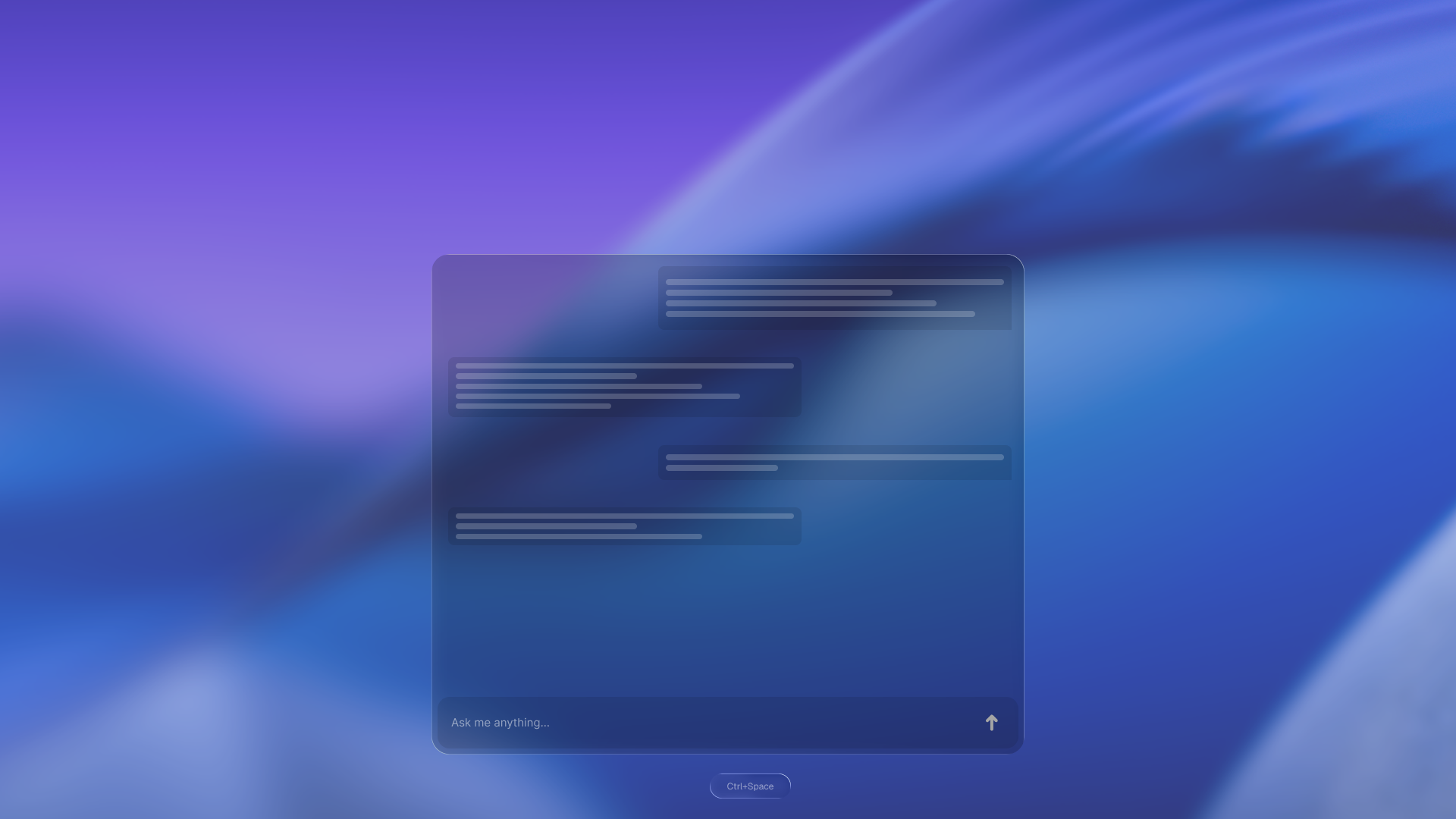
Overview
Desktop Copilot is an always-on-top AI assistant that lives on your desktop, not inside a browser tab, not locked to a specific app. Hit a shortcut, ask something, get an answer, keep working.
All inference runs locally through Ollama. No cloud, no subscription, no data leaving your machine.
Why I Built This
I kept running into the same friction: I'd want to ask a quick question, switch to a browser, lose my train of thought, and spend the next few minutes getting back to where I was. Every AI tool I tried either lived in the browser or was deeply baked into one editor.
I wanted something OS-level, something that could float above whatever I was already doing and disappear just as fast. So I built it.
Tech Stack
| Technology | Purpose |
|---|---|
| Tauri | Cross-platform desktop shell (Rust backend, WebView frontend) |
| React | Overlay UI |
| Ollama | Local LLM inference |
| TypeScript | End-to-end type safety |
| Framer Motion | Show/hide animations |
Features
Global Shortcut
Summon the overlay from anywhere with a configurable keyboard shortcut. It appears instantly on top of whatever you're doing and dismisses just as fast.
Fully Local
Requests go to a local Ollama instance, no round-trips, no rate limits, no privacy tradeoffs. Smaller models respond near-instantly; larger ones are slower but still private.
Screen Context
The overlay can optionally capture a screenshot of your current screen and pass it to the model. Handy for asking questions about code on screen, getting feedback on a design, or just pointing at something and saying "what is this."
What Was Hard
Getting the always-on-top window behavior working correctly across macOS, Windows, and Linux took longer than I expected. Tauri doesn't handle this uniformly, and each platform needed its own configuration.
Global shortcut registration on macOS was another headache. It requires accessibility permissions, and the first-run experience around that prompt is easy to get wrong. Getting it to feel smooth rather than alarming took some iteration.
Demo
The demo below shows the overlay being summoned, a question typed, and Llama 3.2 streaming a response via Ollama in real time.
Demo GIF coming soon.
Repository
Source is on GitHub at monolabsdev/desktop-copilot. Still actively in development, rough edges guaranteed.